
Use the percentage format to show the percent symbol (%) after a number in your generated document.
In your Word template, add
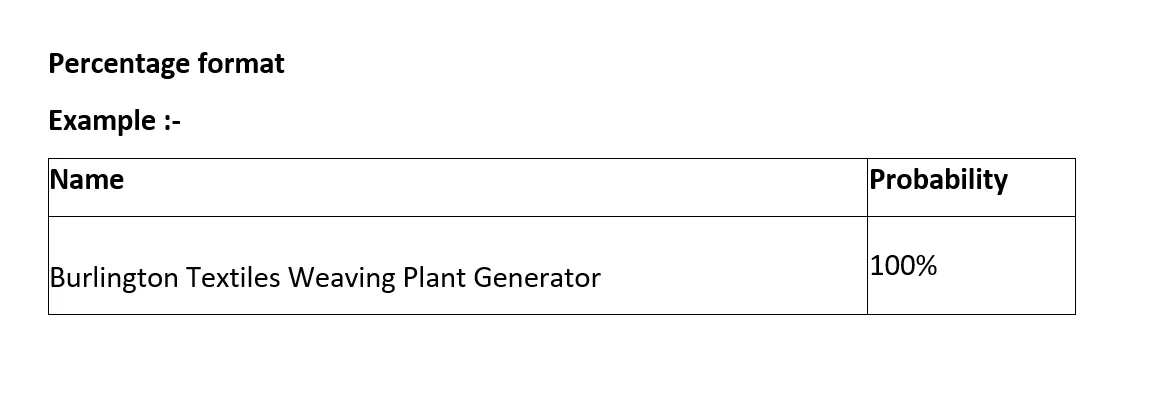
\# ##%after the merge field you want to show as a percentage. For example, this table lists each opportunity's name and probability:Name Probability {{TableStart:Account.r.Opportunities}} {{Name}}{{Probability \# ##%}} {{TableEnd:Account.r.Opportunities}}Log in to Salesforce and upload the Word template to the Document Template object in Docs Made Easy.
Generate the document. The probability values appear with a percent sign.
Related: Change the number of decimal places · Currency format