
Use a Salesforce static resource to store content you reuse across documents, such as a logo, a text block or HTML. You upload the file once in Setup, then reference it in your template with merge syntax.
Create the static resource
Log in to Salesforce and open Setup.
In the Quick Find box, enter
Static Resources, then click Static Resources under Custom Code.Click New. The new static resource form opens.
In Name, enter a name for the resource, for example
Staticcontent.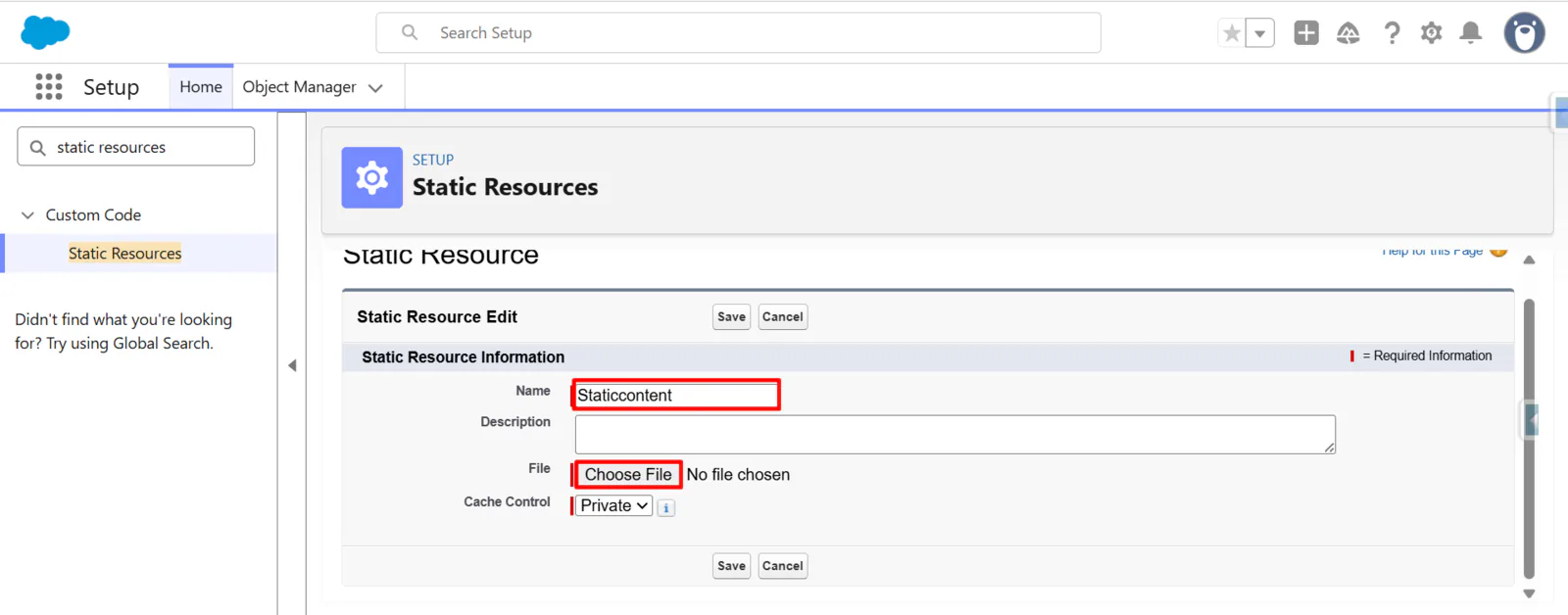
In File, click Choose File and select your file, for example a .txt file or an image, then click Save. The detail page of the static resource opens.
Copy the Name of the static resource (in this example,
Staticcontent).
Add the static resource to a template
In your template, add the merge syntax for the type of content. Replace
Staticcontentwith the name you copied.Content Syntax Text {{StaticResource.Staticcontent}}Image {{Image:StaticResource.Staticcontent}}HTML {{HTML:StaticResource.Staticcontent}}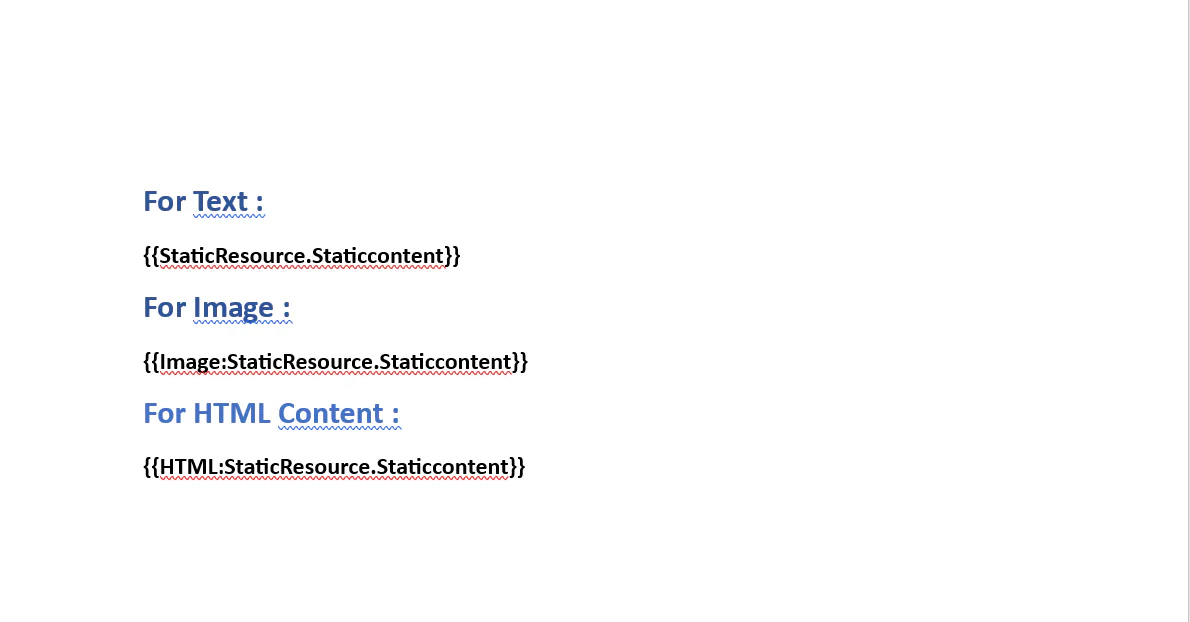
Go back to the object record and generate the document to check the output.
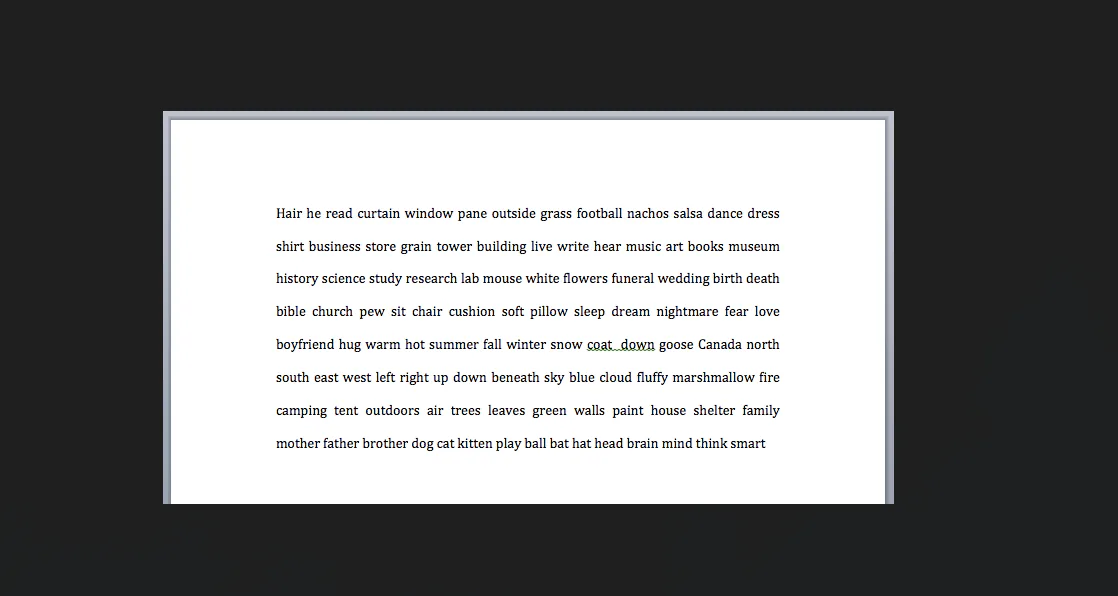
Text file output:

Image output:
Related: Image parameter · HTML (Rich Text Area) parameter