
At a glance
- Edition: Basic
- Action required: Upgrade to get these changes.
- Highlights:
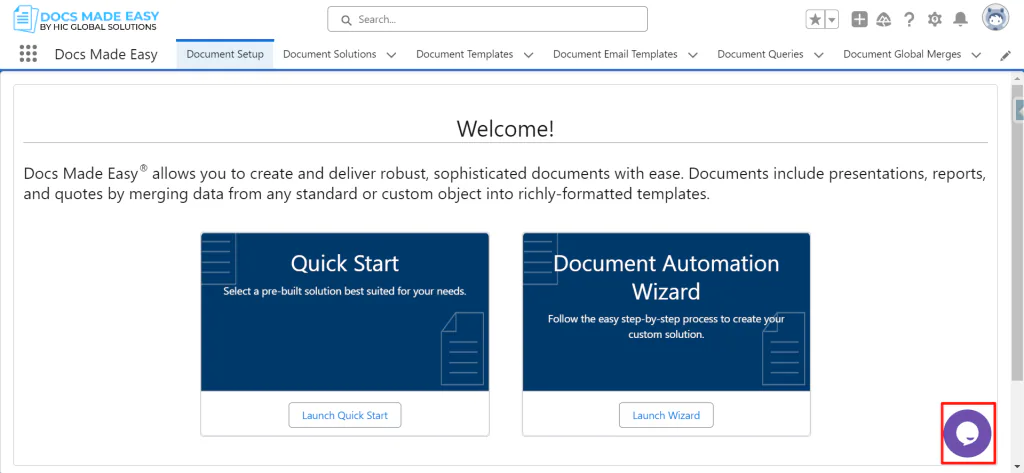
- Get answers to document questions from live chat inside the app.
- After you download a document in background mode, you're returned to the main screen. See BGM parameter (background mode).
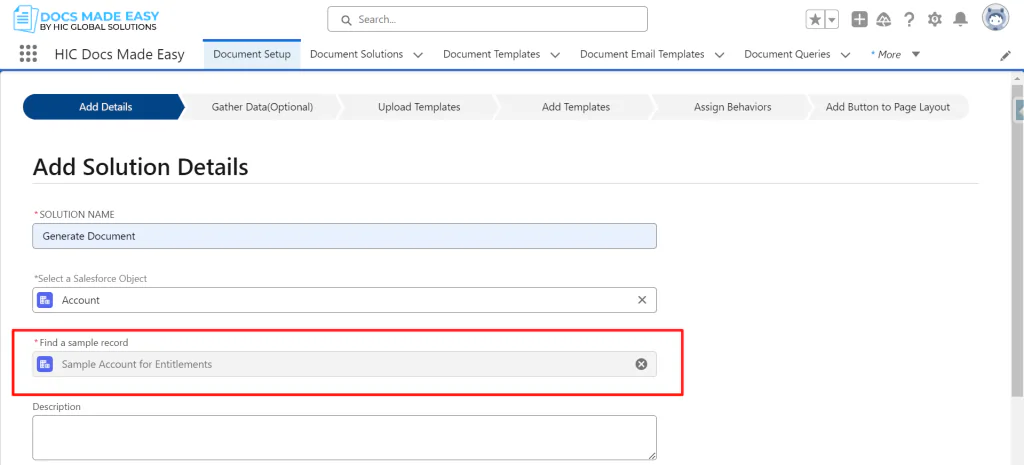
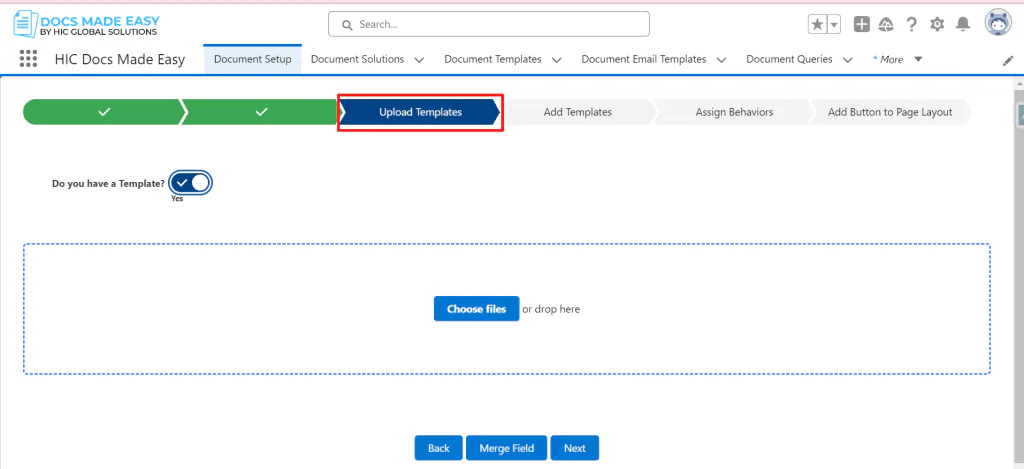
- The Find a Sample Record option and the Upload Template page are removed. To add a template in current versions, see Add a template four ways.
This release adds in-app live chat, renames the app and fixes issues with the email icon and the Redirect parameter. It also removes two setup options that slowed down document creation.
Get the latest version · Check your installed version and upgrade
New features
1. Chatbot in the app
With the new in-app chatbot, you can get answers to document creation and management questions on demand instead of searching for them. Live chat support is available around the clock.
Enhancements
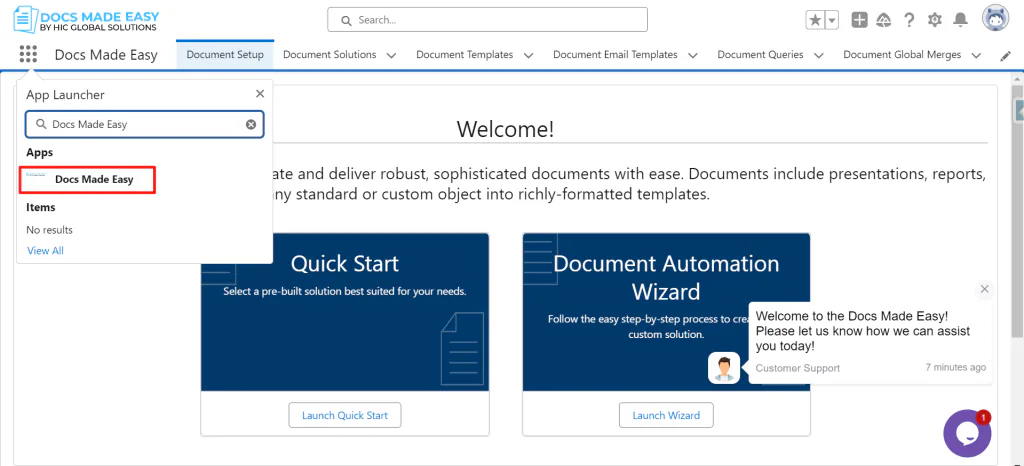
App name change
The app was renamed from "HIC Docs Made Easy" to "Docs Made Easy" so it is easier to recognize and remember.
Bug fixes
- Fixed: The document displayed the app name instead of the email icon, which confused users. It now shows the correct email icon.
- Fixed: Background mode (BGM) wasn't synchronized with the Redirect parameter, so you weren't redirected to the main screen after downloading a document. You now are. See BGM parameter (background mode).
Removed features
Find a Sample Record option on Add Solution Detail
This option added extra effort to the document automation process and isn't needed to create documents, so it was removed.
Upload Template page
This page was removed to make template setup faster. In current versions, you add a template by uploading a file, choosing a pre-built or existing template, or starting from scratch. See Add a template: upload, pre-built, from scratch or existing.
Related: Previous release: Release notes: May 2024 (v1.20.2) · Next release: Release notes: June 2025 (v1.23.1)